
 Available
Donate · Clothes
How to donate clothes & apparel on My Joy of Giving
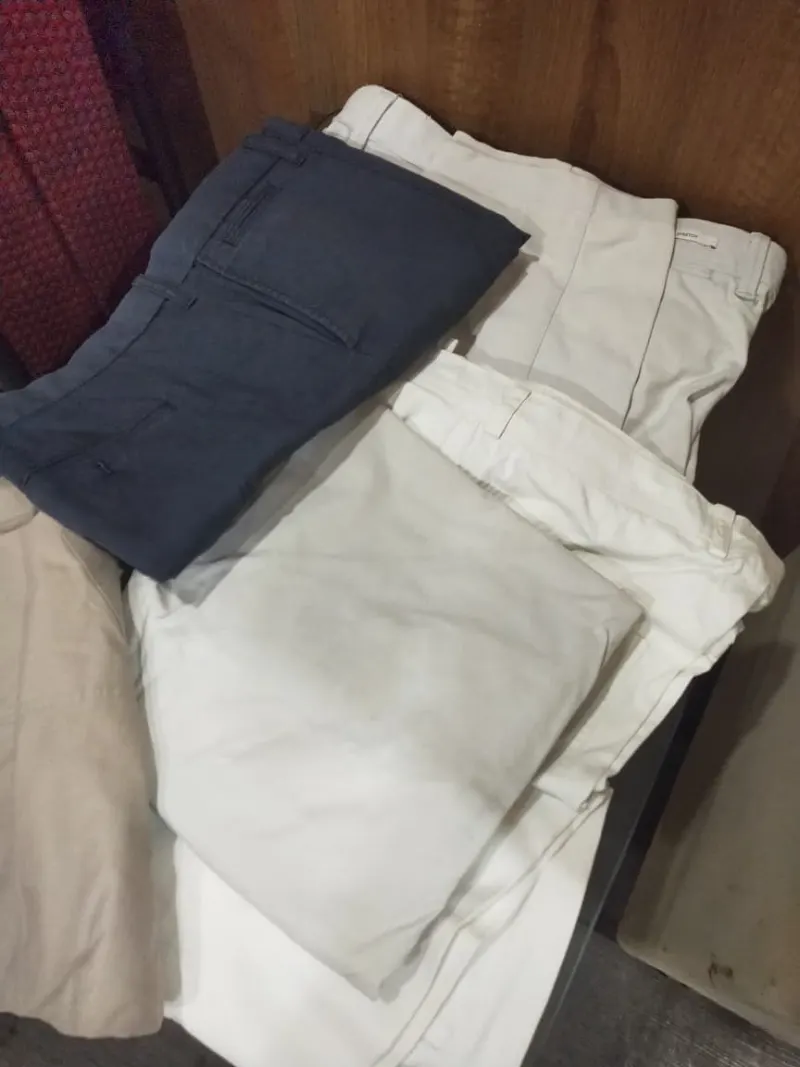
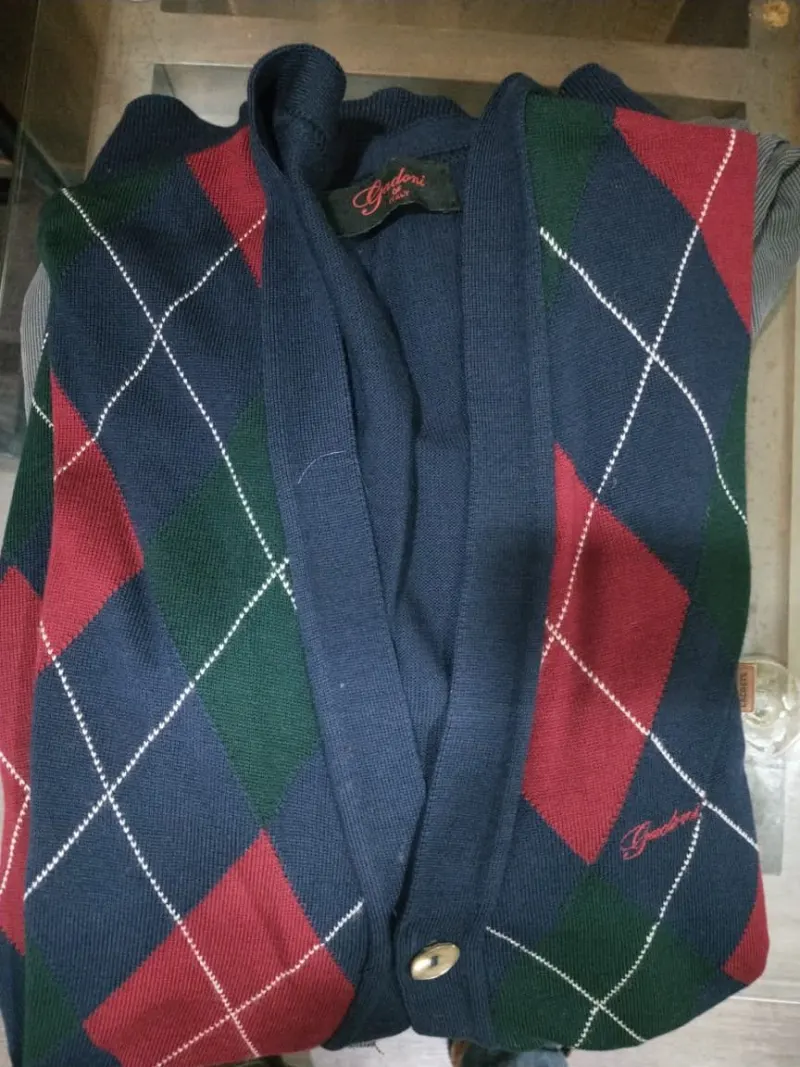
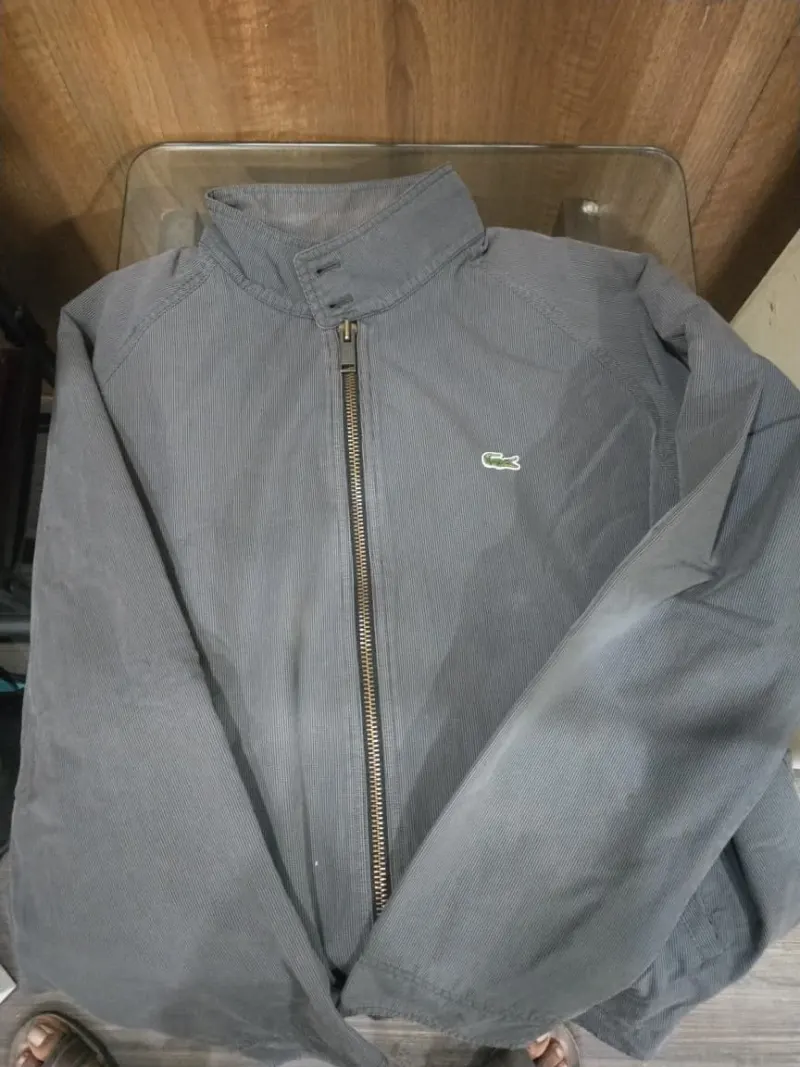
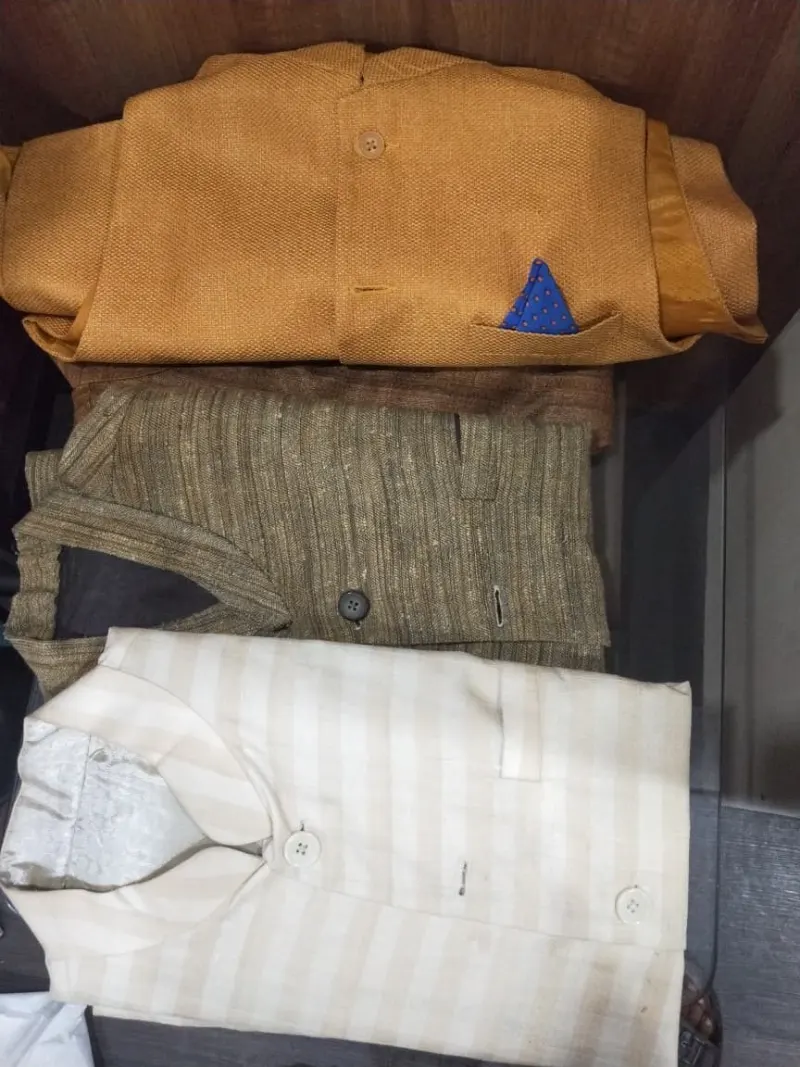
Gently used clothing can reach families who need it most. Publish what you have — size range, season, and condition — so receivers know what to expect before requesting pickup.
8 8 listings currently available on MJG.
Before you list or request
- Wash or dry-clean items before listing when possible.
- Group similar sizes together and state whether listings are for adults or children.
- Avoid listing damaged items unless you clearly describe repair needs.
Current listings
Browse all Clothes listings →
Available
 Available
 Available
 Available
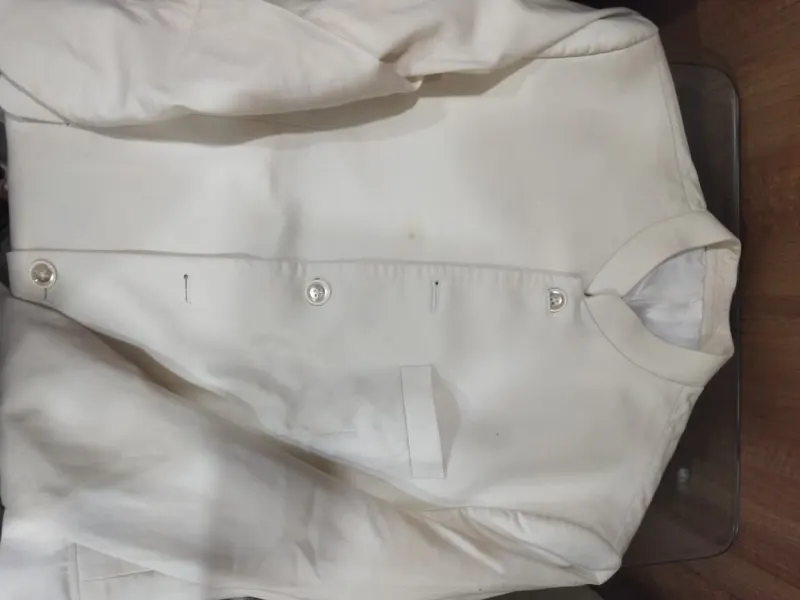 Available
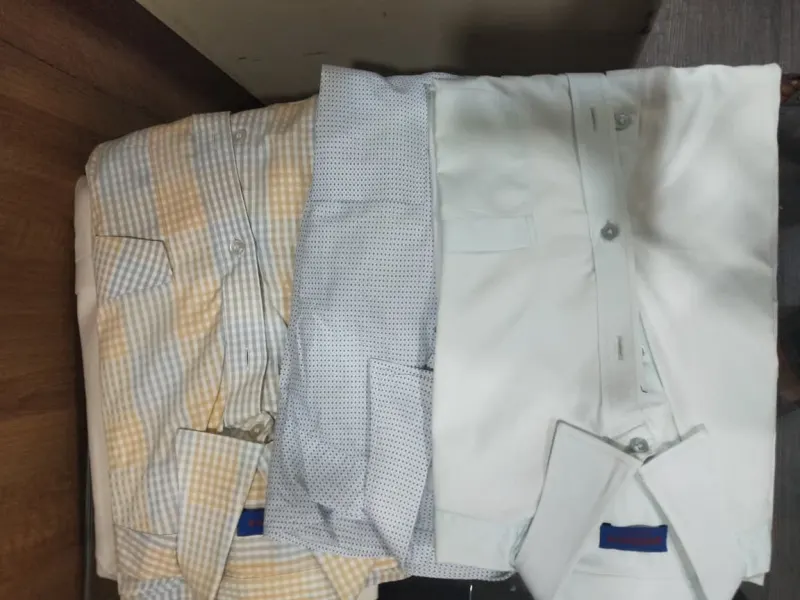 Available
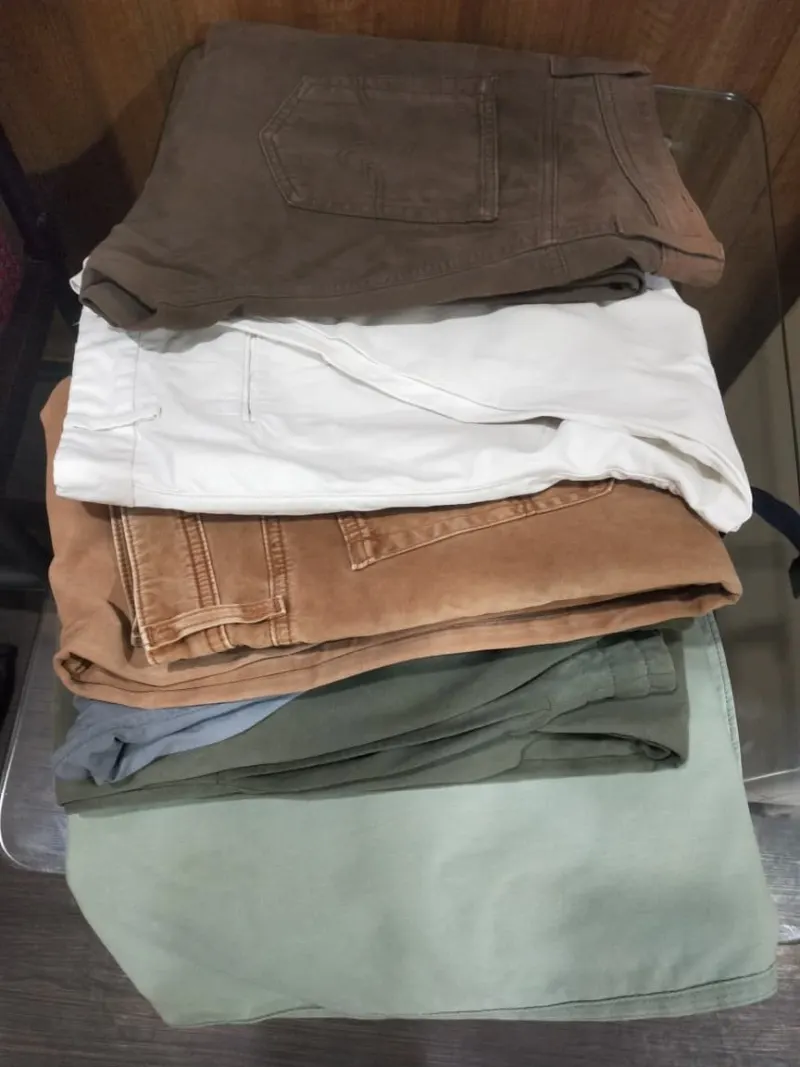 Available
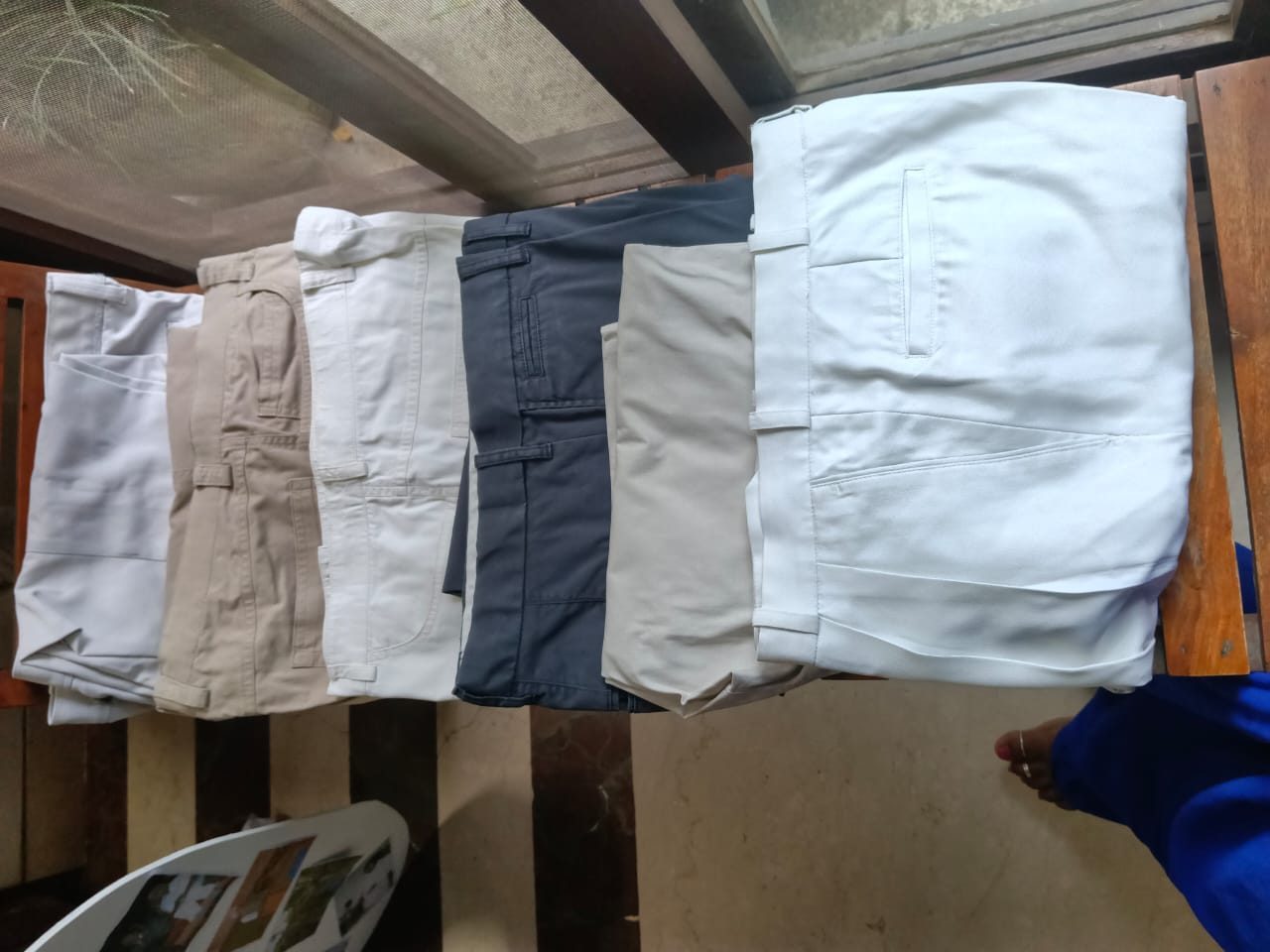 Available
Explore more on MJG
How to donate an item, step by step
-
Step 1: Create an account and sign in
Register as a donor and sign in. The first time, you are asked to accept the current Privacy Policy and Terms before you can use your account.
-
Step 2: Open the donation form
Go to Donate and choose to give an item. Add a clear title, pick a category, choose the condition and enter the quantity. A short description is optional but helps people decide.
-
Step 3: Add the pickup details
Enter the pickup address and an optional landmark, then the country, state, city and PIN code. Add a 10-digit mobile number for pickup and any notes about when you are available.
-
Step 4: Add photos
You can add up to 5 photos. Clear photos of the actual item help receivers know what they are asking for.
-
Step 5: Preview, then post or save a draft
Check everything on the preview page. Post it to make it live straight away, or save it as a draft and finish it later from My Donations.
-
Step 6: Accept a request
When someone requests your item, you get a notification. Open the donation and accept the request. Only then can you and the requester see each other’s contact details to arrange pickup.
-
Step 7: Hand it over and mark it done
After the handover, mark the donation as handed over. It is then completed and its status stays accurate for everyone.
Safety tips
- Your phone number is shared only with the person whose request you accept.
- Items here are given as donations. Never ask for or accept payment for them.
- Check the item before the handover and describe any defects honestly in the listing.
What happens next
- If no one comes for pickup, choose “No one came”. The request closes and the item is open for new requests.
- A request that is not completed expires after 48 hours. You can then republish the item so others can ask for it.
How to request a donated item, step by step
-
Step 1: Find an item near you
Browse donations and use the category and location filters to see what is available in your city.
-
Step 2: Sign in and open the item
Open the donation to see its photos, condition, quantity and area. You need to be signed in to send a request.
-
Step 3: Send your request
Write a short message, enter the quantity you need and say who it is for. You cannot request your own donation, and only one request can be active on an item at a time.
-
Step 4: Wait for the owner to accept
You can send up to 5 requests a day (verified NGOs are not limited). Donors can keep up to 3 open requests for someone else. When the owner accepts, you can see their contact details.
-
Step 5: Collect the item and confirm
Agree on a pickup time with the owner, collect the item and confirm that you received it from your requests page.
-
Step 6: Request surplus food too
Receivers can also request food listed on the Food Rescue board. You can hold up to 2 open food pickups at a time, so collect one before you request another.
-
Step 7: Keep track of your requests
Your dashboard lists every request with its current status, so you can see whether it is pending, accepted, expired or completed.
Safety tips
- Contact details appear only after the owner accepts your request.
- Donated items are free. Do not pay anyone for an item listed here.
- Arrange pickup at the address and time agreed in the app, and tell the owner if your plans change.
What happens next
- If the owner does not act within 48 hours, your request may expire and the item can be posted again.
- If the owner marks “No one came”, your request is closed and you get a notification.
- If a request expires after 48 hours, you can request the item again once the donor republishes it.